Initial Setup
Onboarding
After launching Dione for the first time, you’ll be greeted with the onboarding screen. Let’s get you started!
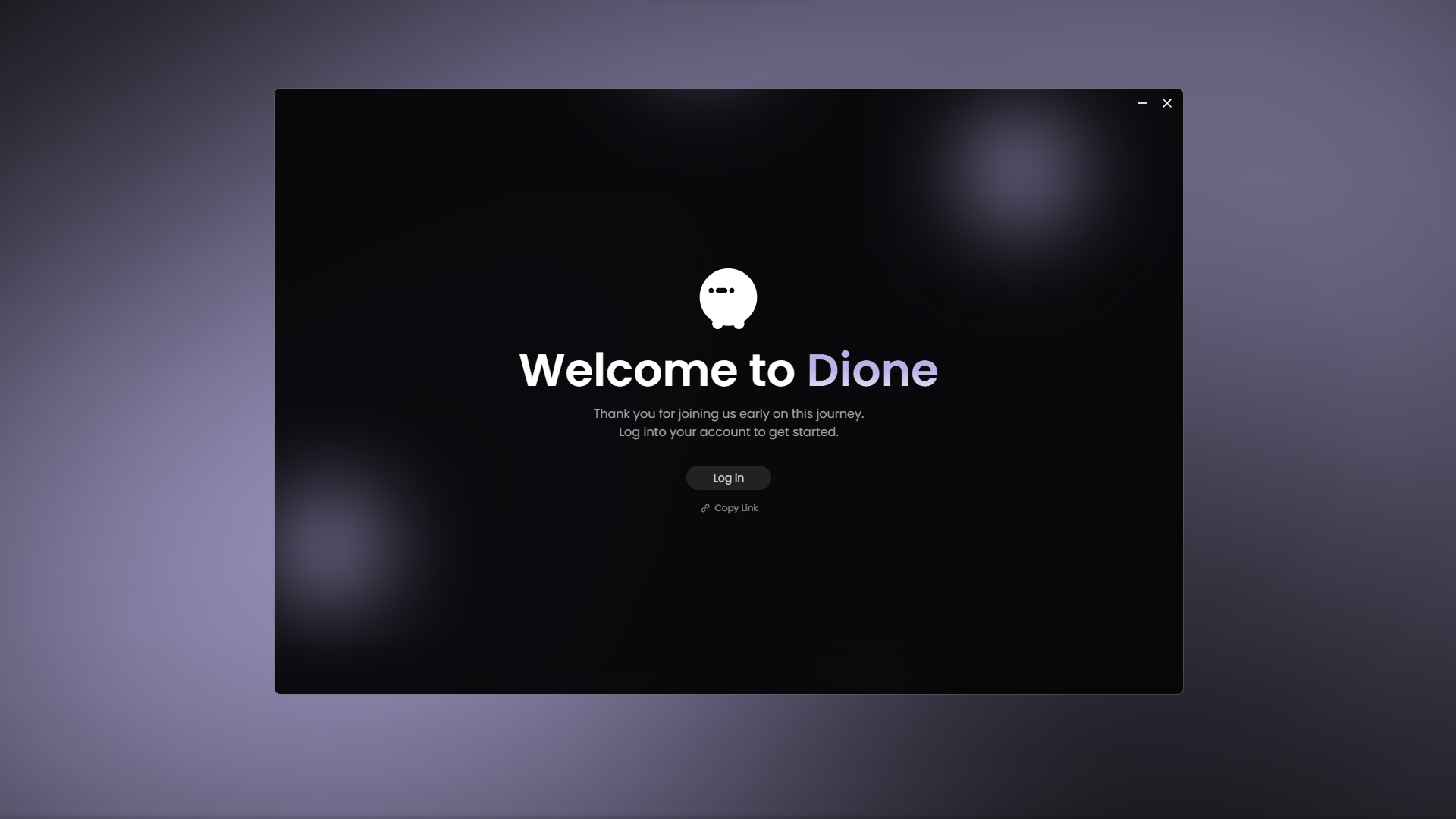
1. Login (Optional)
Logging in is recommended to access all features, but you can skip this step if you prefer.
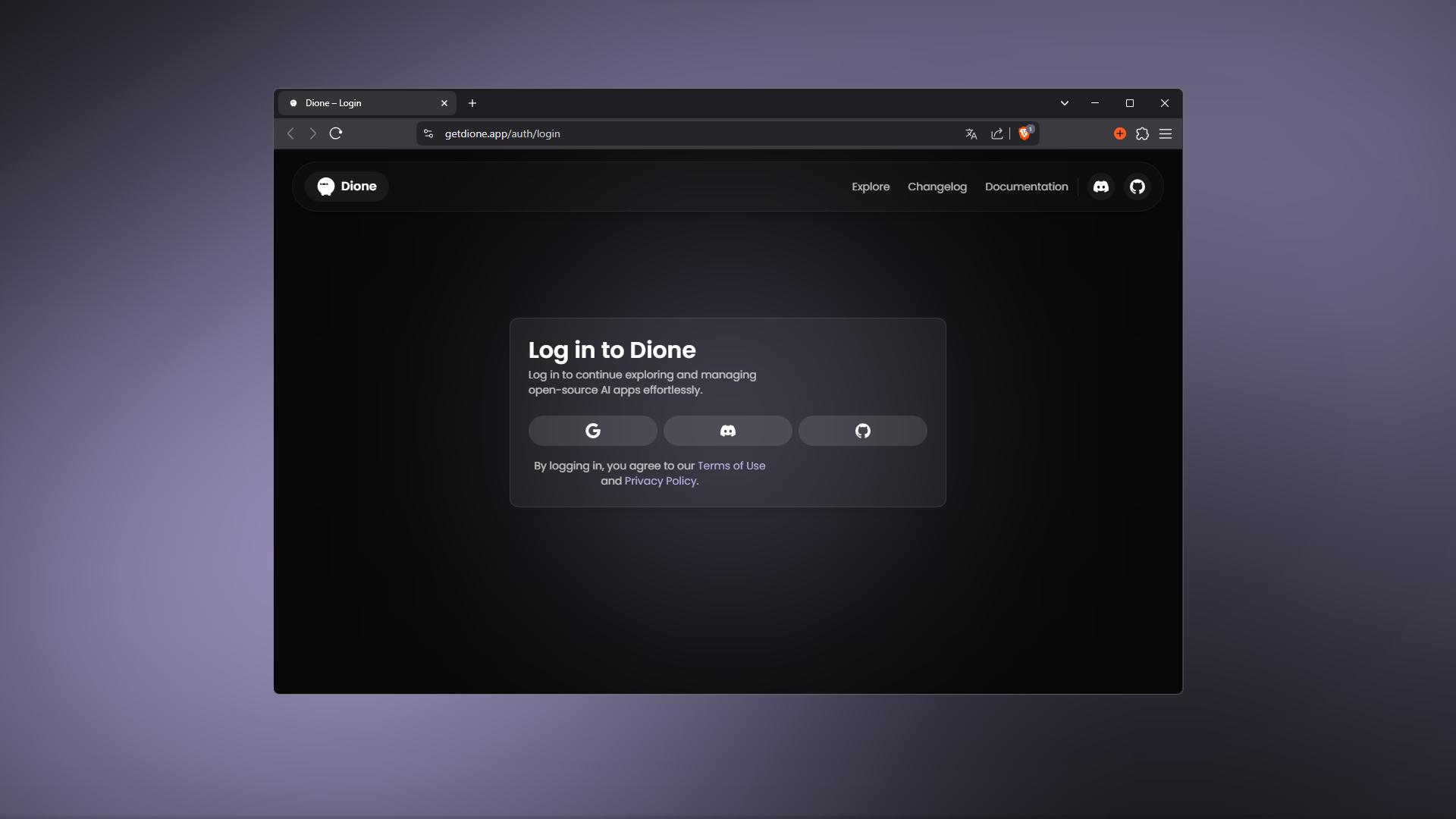
- Click Login to connect via Google, Discord, or GitHub.
- Authenticate in your browser.
- Click Open Dione when prompted.
Note: We take your privacy seriously. Read our Privacy Policy.
Having trouble? Check the Troubleshooting Guide.
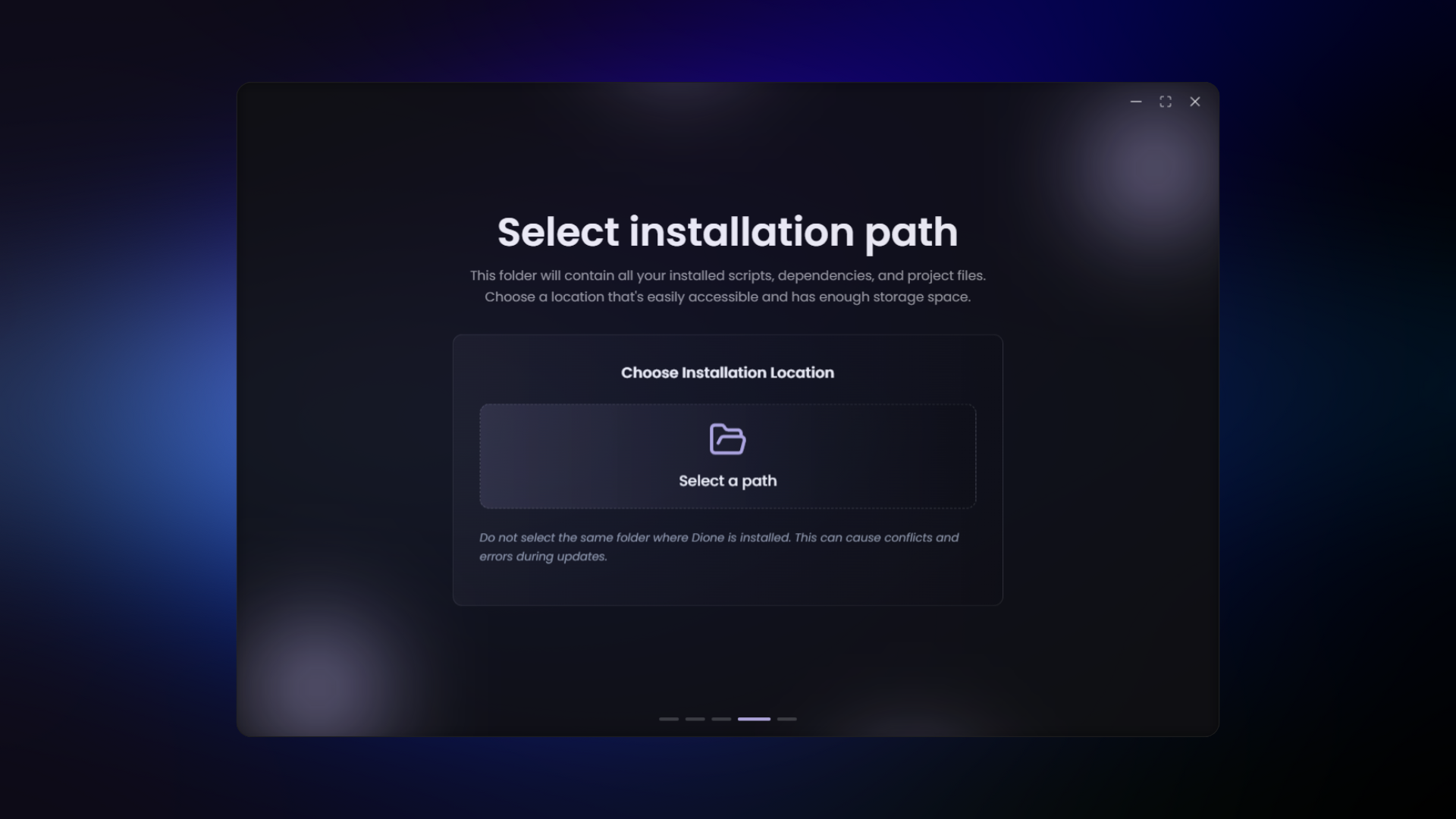
2. Select Installation Path
Choose a folder where Dione will download apps and dependencies (creating apps and bin folders).
⚠️ Important: Do NOT select the same folder where dione.exe is located. Pick a separate directory to avoid update conflicts.
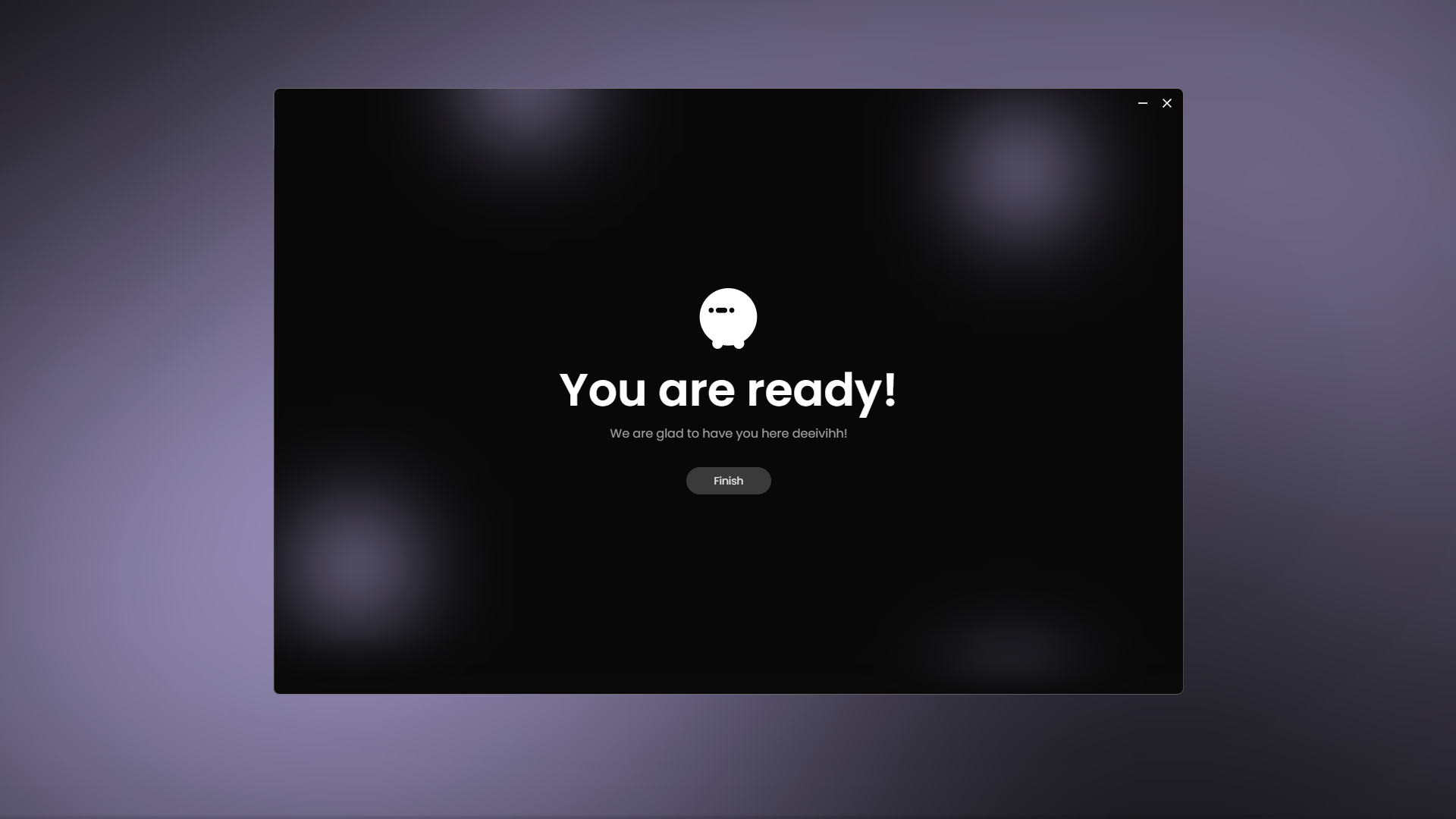
3. All Set!
You are now ready to explore Dione.
To restart this process later, go to Settings -> Reset Onboarding.